Capture. Edit. Share. In Seconds.
The simplest screenshot tool for Chrome. No clutter, just results.
Everything you need
Powerful features in a simple, elegant package
One-Click Capture
Instantly capture your entire screen, a window, or a custom selection with a single click.
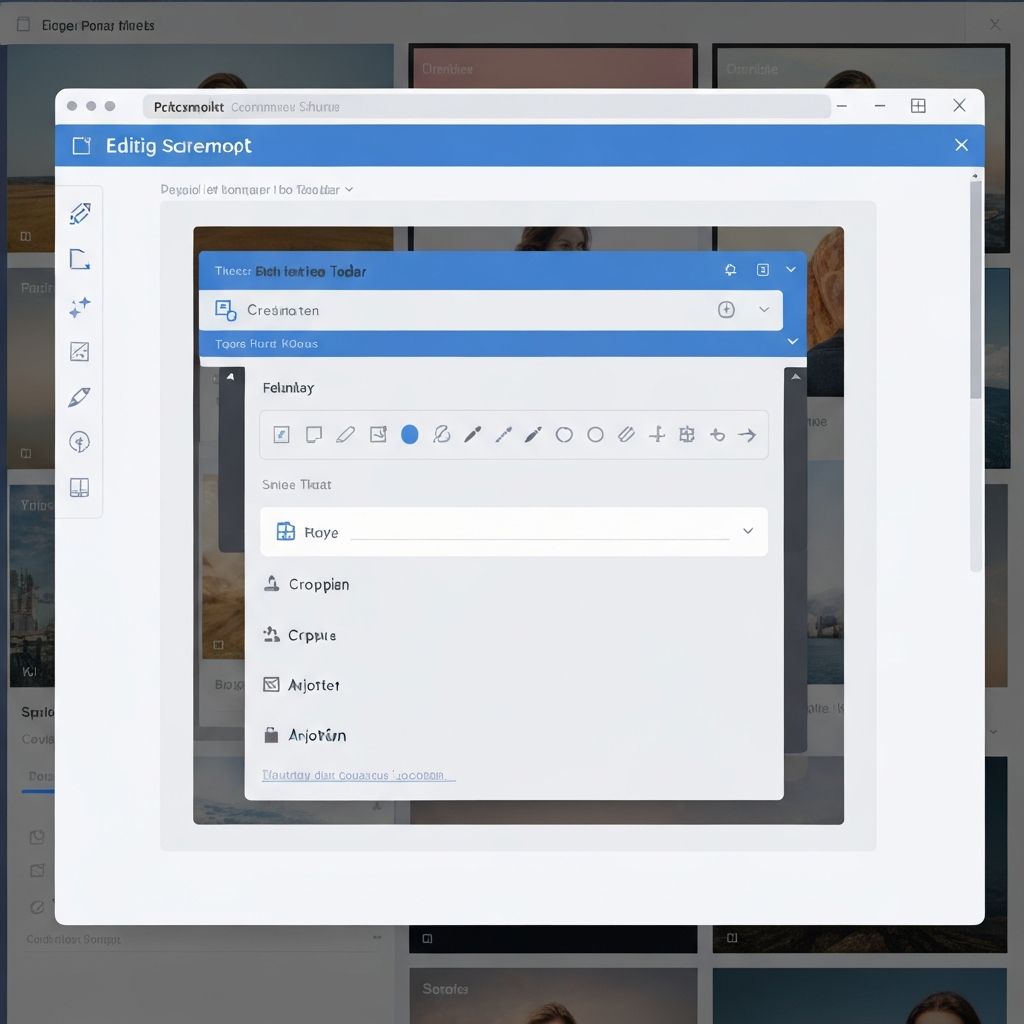
Built-In Editor
Crop, annotate, add arrows, blur sensitive info, and more—all without leaving the extension.
Instant Sharing
Generate shareable links, copy to clipboard, or download directly. Share with anyone, anywhere.
Lightweight & Fast
No bloat, no lag. QuickSnap is designed to be fast and responsive, using minimal resources.
How it works
Three simple steps to better screenshots
Click the icon
Open QuickSnap from your Chrome toolbar
Select & capture
Choose what to capture and click
Edit & share
Edit if needed, then share instantly
Loved by thousands
See what our users have to say
"QuickSnap has completely changed how I communicate with my team. Screenshots are now effortless."
Sarah Chen
Product Designer
"The built-in editor is a game-changer. I can annotate and share in seconds without switching tools."
Michael Rodriguez
Developer
"Finally, a screenshot tool that just works. Clean, fast, and exactly what I needed."
Emily Watson
Content Creator
Ready to capture smarter?
Join thousands of users who have transformed their screenshot workflow
Get QuickSnap Now